Your keyboard has an accent, and a Zoom call is enough to hear it

My take: My passwords come from Vaultwarden, not from my fingers. On a call, that also keeps them out of the audio.
What to know
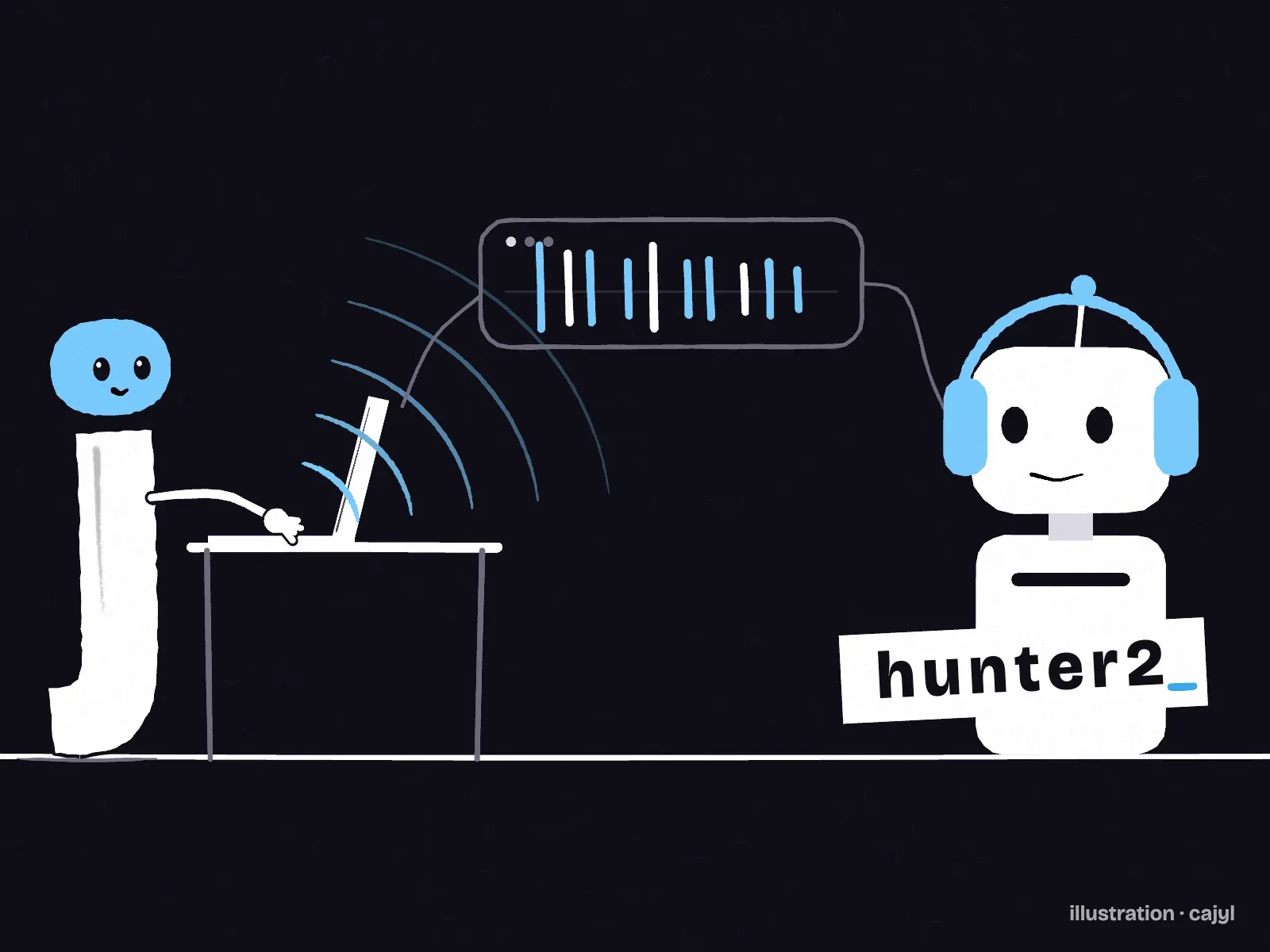
- In July 2026, researchers from Tohoku University, Kyoto University and the Nara Institute of Science and Technology posted a study that turns the sound of typing back into text, without any recording of the victim's keyboard to learn from. From about 150 keystrokes, less than a tweet, their method got about 94% of the text right (a similarity score of 0.941). They tested four laptops (Dell, MacBook Pro, HP, ThinkPad) through Zoom, Teams and Google Meet, with the apps' noise suppression switched off, and even through a contact microphone picking up vibrations 3 meters away on the same desk.
- It builds on older work. In 2023, a study from Durham, Surrey and Royal Holloway named the right key 95% of the time from an iPhone 13 mini placed 17 cm from a MacBook Pro, and 93% through a Zoom recording, with noise suppression at its lowest setting (it could not be turned off). But that model first had to learn the exact keyboard: 36 keys, pressed 25 times each.
- Both papers describe lab experiments, not attacks seen in the wild. And random passwords are, for now, out of reach of the 2026 method: its authors list them as future work.
How it works
Every key sounds a little different. Its place on the keyboard, the way it sits on the frame, its distance to the microphone: each click has an accent. The 2023 study saw it in its own mistakes: when the model got a key wrong, it was usually the key next door.
Then comes the oldest trick in codebreaking. If you can't tell which sound is which letter, treat the recording as a coded message where each letter was swapped for a sound, and count. A language has frequent letters, frequent words and rules. Berkeley researchers did exactly that in 2005: from a 10-minute recording of someone typing English, with no labeled sample, they recovered up to 96% of the characters. The 2026 version swaps their statistics for today's AI: it groups similar clicks, lets a language model pick the letters that make the text readable, then retrains its ear on those guesses, round after round.
So the weak point isn't your keyboard. It's that your text makes sense.
Why 93% is not the real score
Do the math on a whole password and 93% per key sounds reassuring: getting all 8 keys of a password right is 0.93 to the 8th power, about 56%. But the attacker doesn't get one shot. His model ranks its guesses, and he tries the likeliest combinations first. In 2005, that was enough: 90% of random 5-letter passwords came out in fewer than 20 attempts, and 80% of 10-letter ones in fewer than 75.
What changes
The best defense is not typing at all. A password manager that generates random passwords and fills them in makes no sound worth hearing: mine is Vaultwarden. Use Touch ID where your Mac offers it, or a passkey.
When you have to type during a call, mute your microphone or use push-to-talk, as the 2026 authors advise. Leave your meeting app's noise suppression on: they write that it can "significantly reduce" what an attacker hears, and they had to switch it off for their tests. Capitals help too: no study has recognized the release of the Shift key, notes the 2023 paper, so each one doubles what the attacker has to try. So does touch typing: in an earlier study it cites, recognition fell from 64% to 40%.
Before your next call, check that noise suppression is on in Zoom, Teams or Meet, and let your password manager do the typing.
Source: Atsunori Okada, Akira Ito, Rei Ueno, Yuichi Hayashi, Naofumi Homma, “Transforming Keystroke Noise to Text: Self-Supervised Acoustic Eavesdropping Attacks on Keyboards”, July 24, 2026
Drafted with Claude, Anthropic's AI, from my take. Reviewed and owned by me.